
Accounting Sync
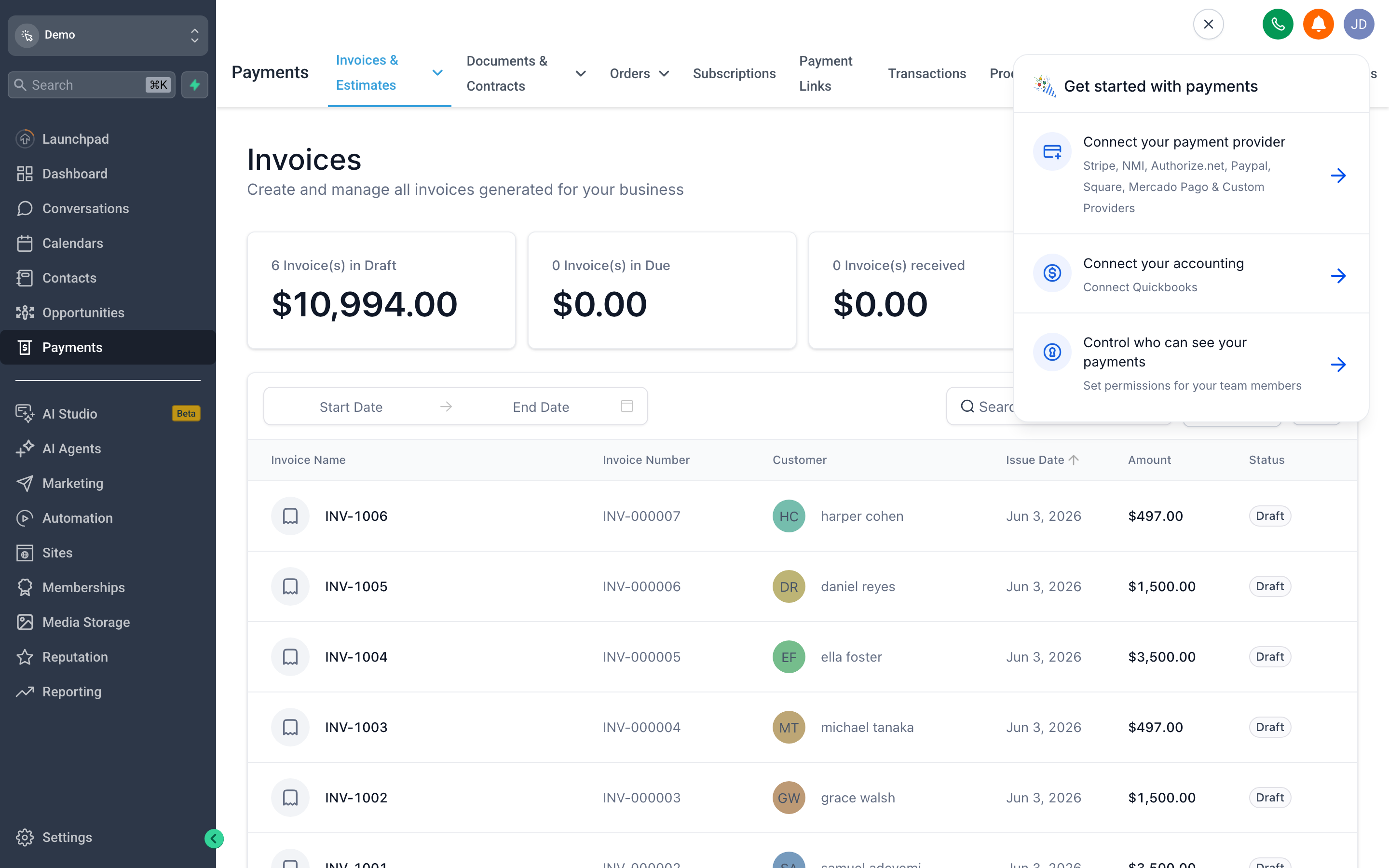
Accounting Sync keeps every invoice you send in step with your accounting software — automatically, in real time. Find it on the Accounting Sync tab inside the Invoices & Estimates menu.
Connect QuickBooks, Xero, or Wave with a one-click Connect button. Once connected, every invoice — and each status change — syncs to your books without any manual exports, and the platform tracks every sync event so you can spot and resolve failures. It closes the gap between getting paid in {{brandName}} and keeping your accounting accurate.