
List View & Filters
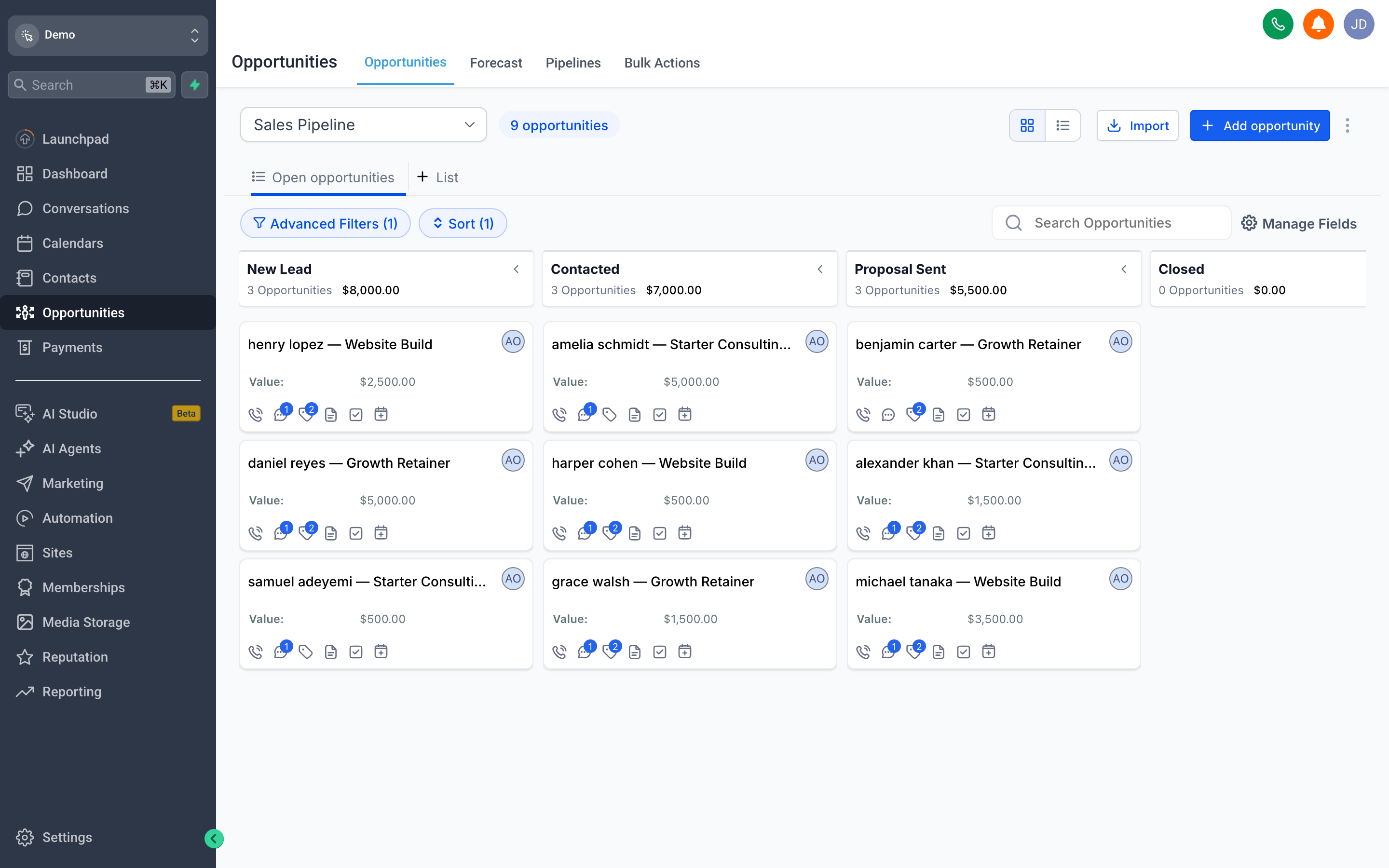
The List View shows the same deals as the pipeline board, but as a sortable, filterable list — ideal when you want to scan many opportunities at once or work through them methodically.
Slice it with Advanced Filters by stage, owner, value, or date, and use Manage Fields to choose which columns you see so the view fits how you work. Add Opportunity drops a new deal straight in — link it to a contact, set its value and stage, and it appears on your board too.