
Facebook Ads Reporting
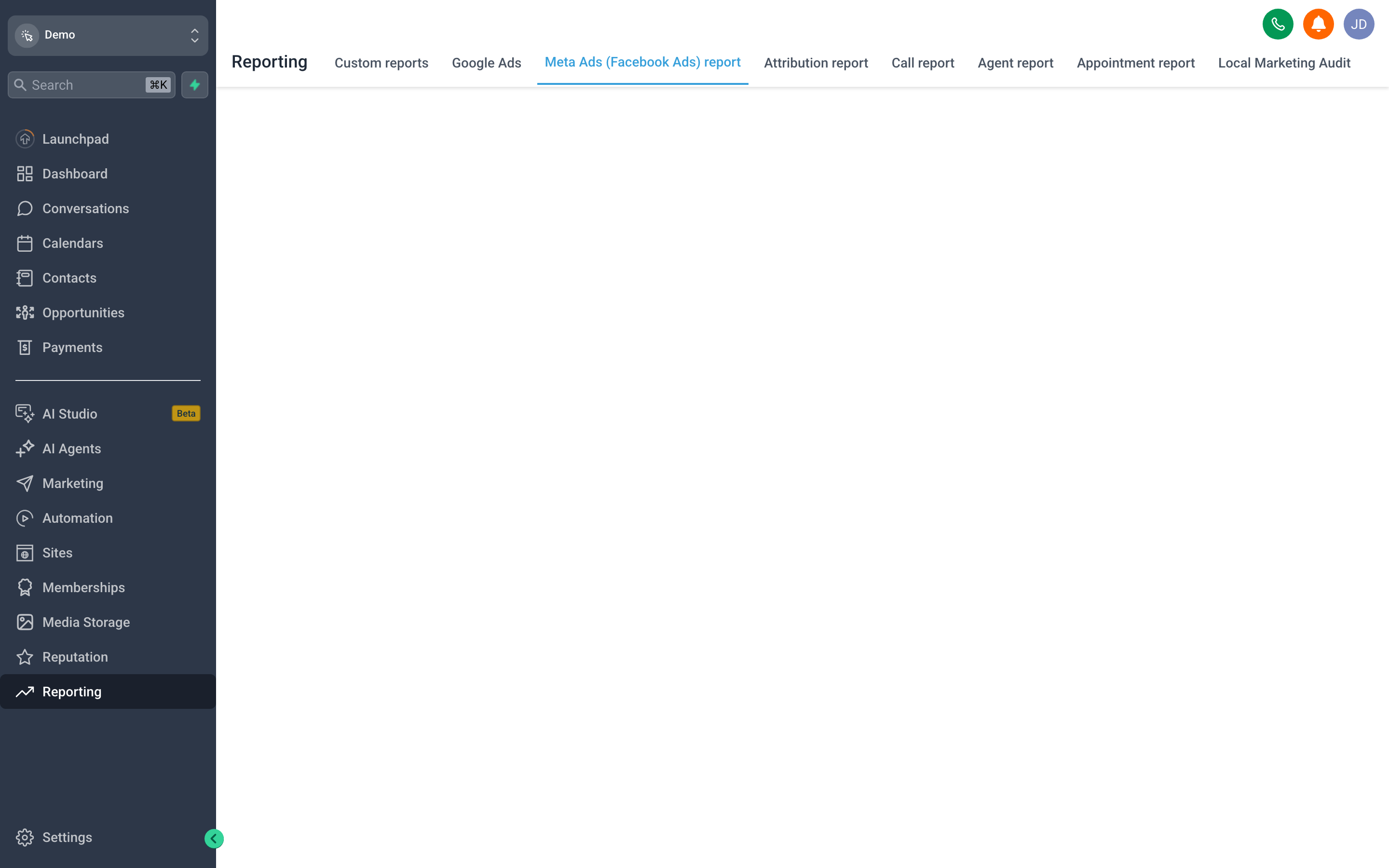
Facebook Ads Reporting pulls your Meta ad performance into {{brandName}}, so you can see spend, leads, and cost-per-result next to the contacts and revenue those ads actually produced.
To use it, connect your Facebook Ads account from the reporting screen. Until an account is linked, the report sits empty — there is no data to show. Once connected, it surfaces campaign-level metrics and, combined with Attribution Reporting, lets you trace an ad click all the way through to a closed deal.
The payoff is a single source of truth for paid-social ROI, instead of toggling between Ads Manager and your CRM and reconciling the two by hand.